BryanMcPhail.com

Professional software development, amateur BMW tinkering, old arcade game stuff

By

Midway Space Invaders arcade pcb

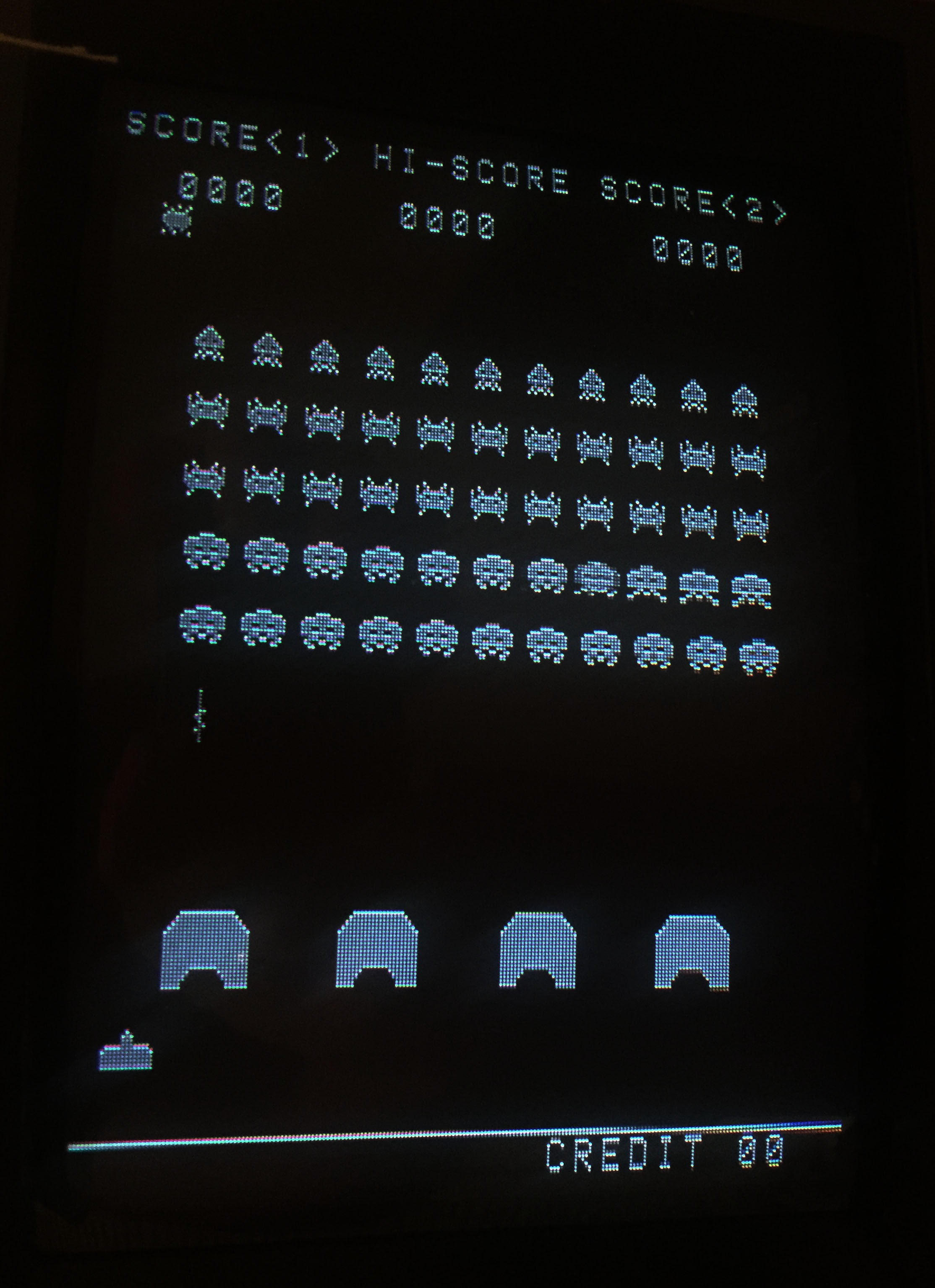
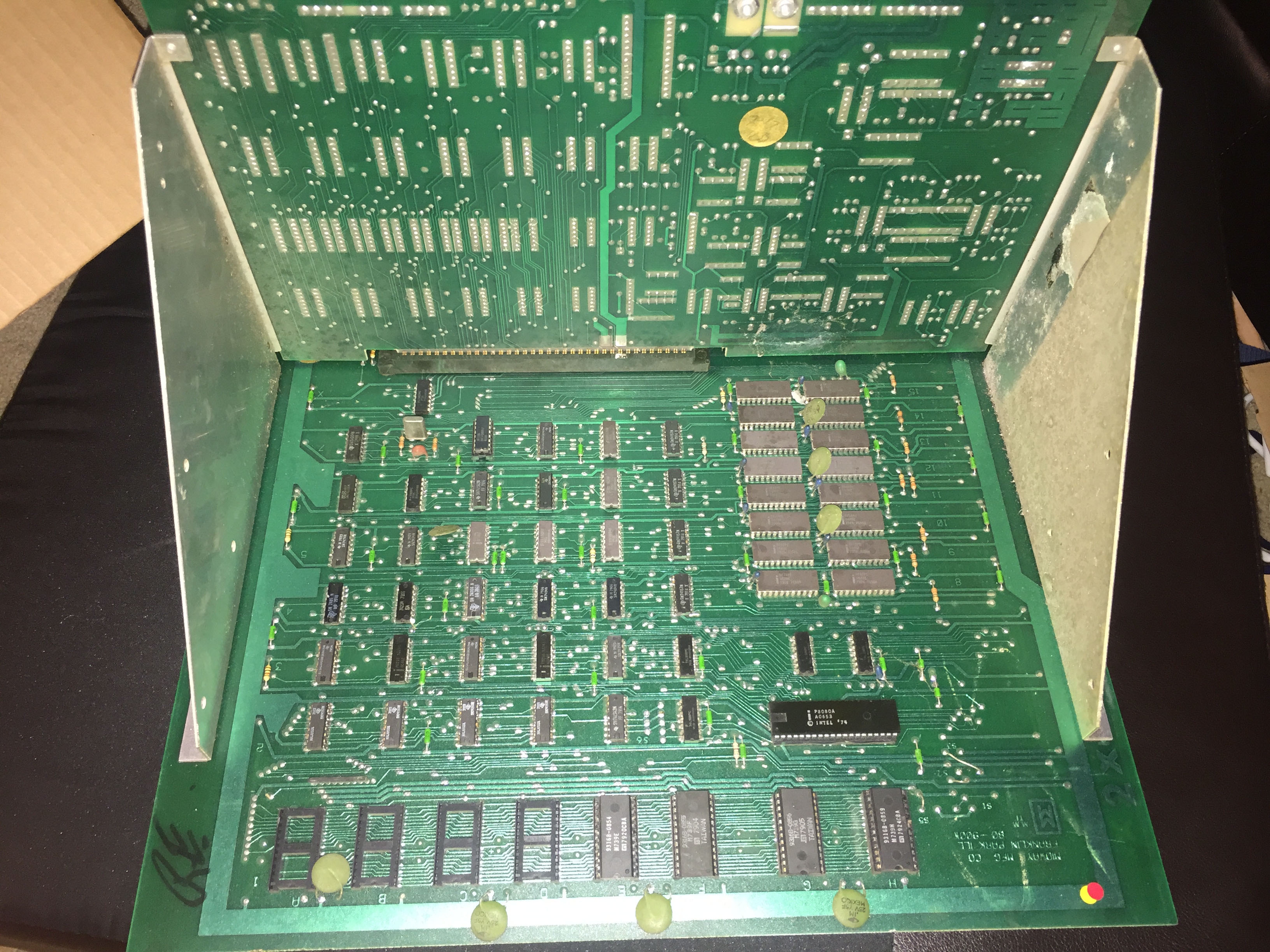
Can’t call this one a repair as such as a non-booting original Space Invaders was made to boot just by reseating the CPU. Although this is a classic black and white game, you can make it run with a regular switching PSU that supplies +5V,-5V and 12V and a monitor capable of composite video input (as opposed to regular arcade RGB + sync).  Notice the unusual ‘L shaped’ design with the sound board at a right angle to the main board.

IMG_7136 IMG_7143 IMG_7312

By

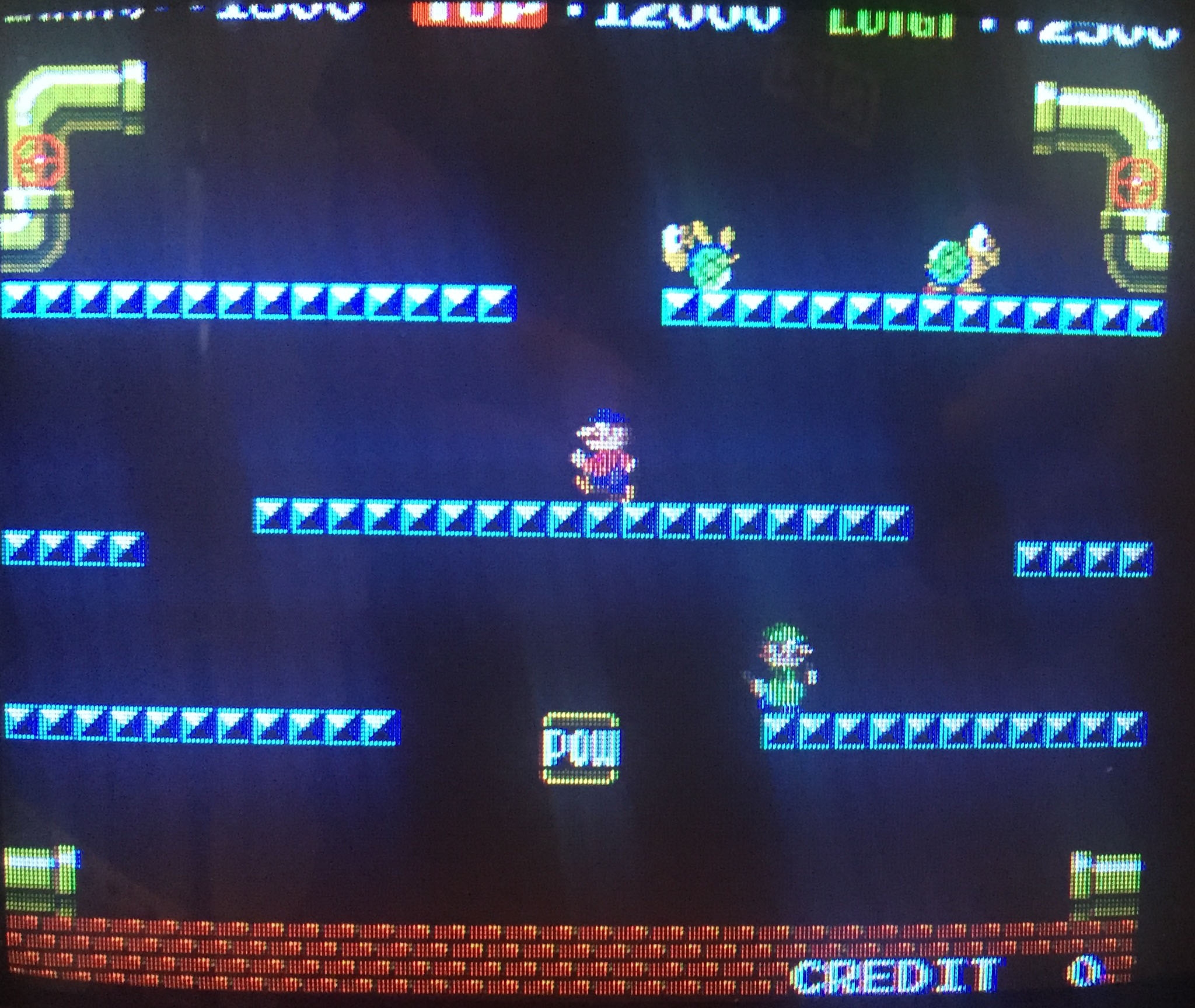
Nintendo Mario Bros arcade pcb repair #3

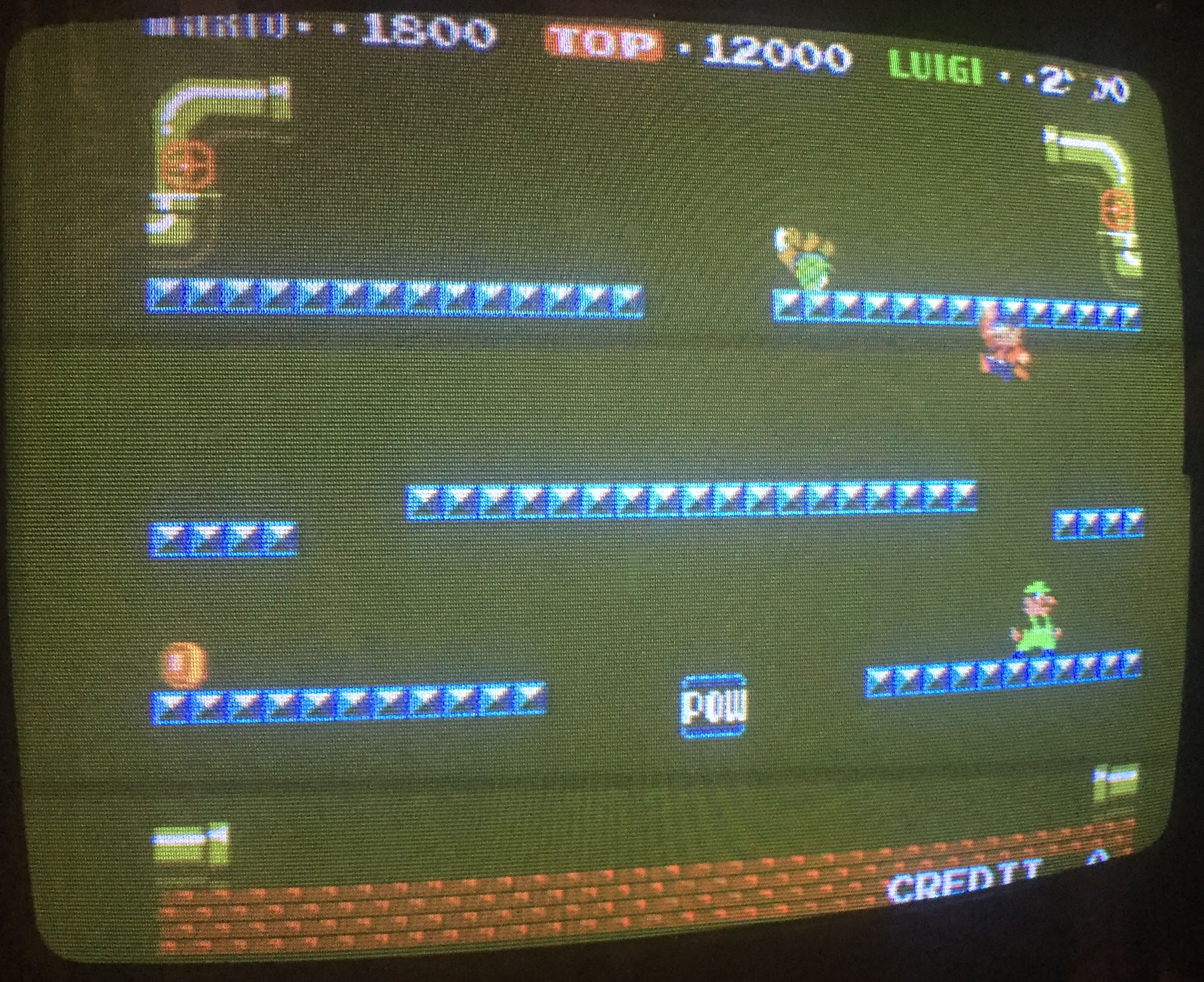
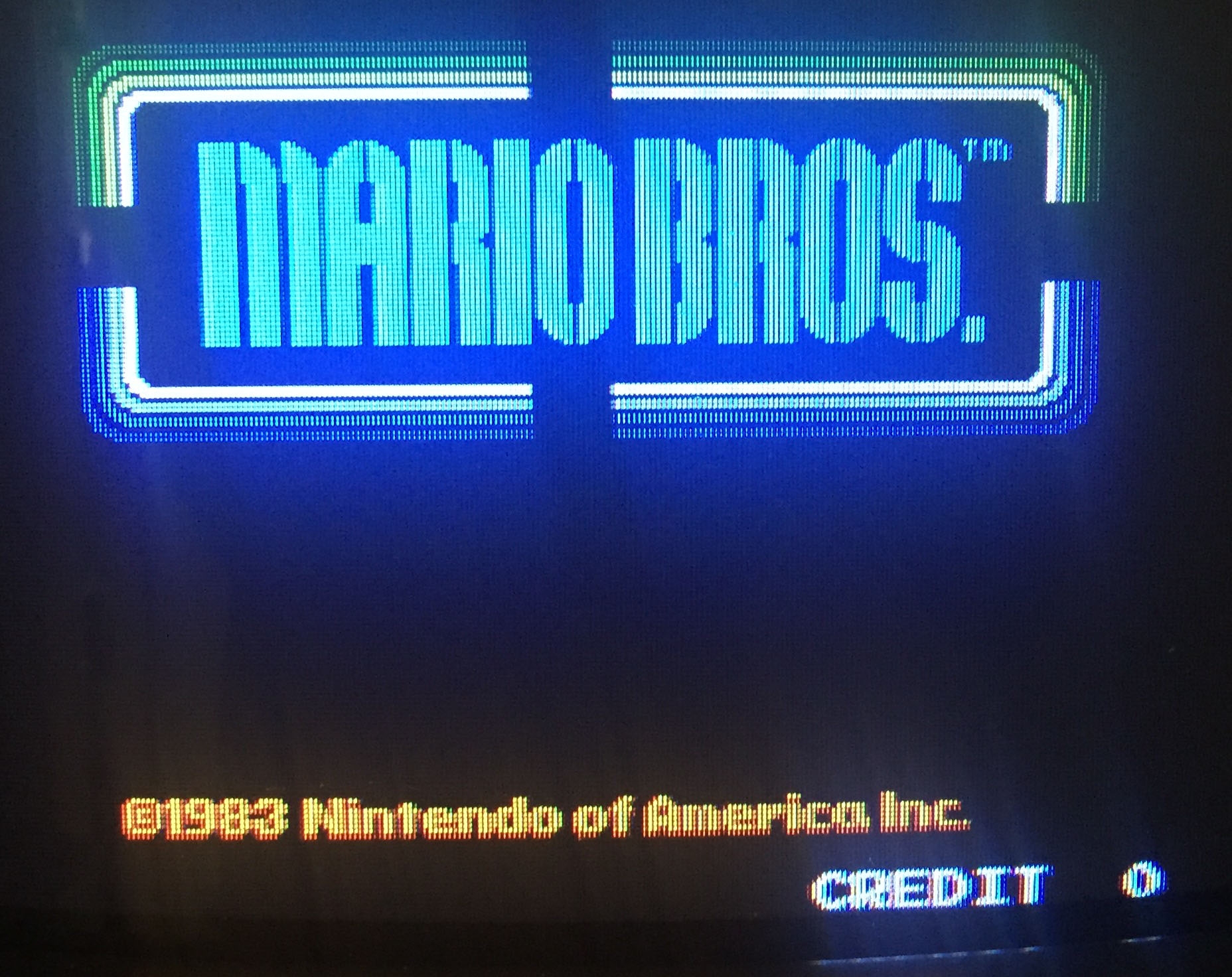
Very strange fault on this board – two misplaced tiles on the title screen – but absolutely no fault anywhere else.

IMG_6575

IMG_6576

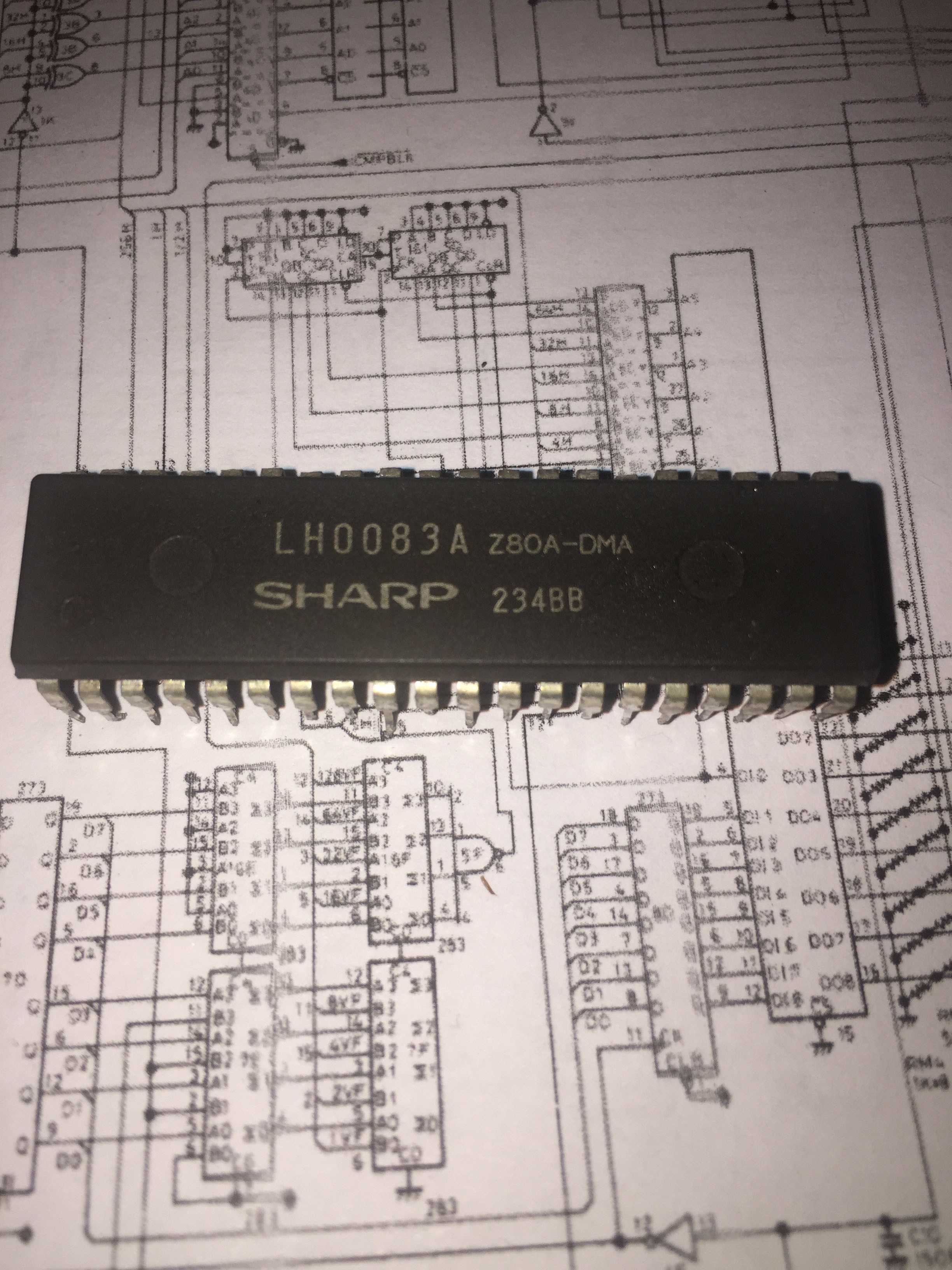
That kind of fault is very strange as usually a fault with video hardware like this would affect all sprites, or at least groups of related sprites.  Indeed when the CPU board was matched with a known working video board the fault remained – so it was on the CPU board rather than in graphics generation.  As the program EPROMs verified correct the main suspect would be the Z80-DMA chip which copies data from memory to the video board – however I found the fault with some luck by swapping the two main CPU RAM chips.  The fault went away with different RAM, and came back with the original RAM replaced.

IMG_6586

New RAM installed to properly fix the problem but still a very strange fault – usually when RAM fails an entire an address row or the data bus is taken out – which usually means the CPU program will fail quickly.  This RAM must just have a handful of bad bits that happened to correspond to work area for the title screen.

IMG_6583

By

Taito Sky Shark arcade pcb repair

No video output from this Sky Shark, aka Flying Shark but the main CPU and RAM did show activity via logic probe.  There are no schematics available so I traced out where the RGB lines on the jamma edge connector go.

IMG_6236

And they go to the resistor network at the right side of the board, so the digital palette is converted to analog video signal as expected.  The resistor network is fed by the two LS273 latches in the N row and I presume those two latches are clocked by the pixel clock to output each pixel as supplied by the palette RAM.  No clock was present though – so I traced the clock signal back to the LS08 on the M row.  This seems to be how the game handles the horizontal and vertical blanking – so the pixel output is turned off when needed.

The MAME source indicates the CPU can also turn the screen on & off – and it’s this signal that also goes to the LS08 – by (temporarily) bridging the input pins I forced the screen on – and got a screen full of garbage!

IMG_6240

So that’s actually a good thing – confirmation the pixel clock is working, palette RAM works, tilemap RAM works, etc, and likely confirmation the CPU program was not running long enough to turn on the screen.

Piggybacking the main CPU RAM with known good RAM had no effect, and the program ROM’s seemed fine, so I used the MAME debugger to trace the program a bit – and it seems the program is very delicate – any RAM or DSP error leads to a crash rather than any on-screen indication (so although the game reports ROM:  GOOD  RAM:  GOOD on successful bootup – it will generally never report something bad – just crash!).

IMG_6263

Now after all that, I examined the board in more detail and found 3 gouged traces on the underside – when repaired the game worked 100%.  So I went down the wrong path for a while but fixed in the end.

IMG_6259

IMG_6261

IMG_6253


By

Nintendo Mario Bros arcade pcb repair #2

Two pcbs with a fair amount of corrosion on the chips, probably stored in a humid warehouse for decades.

IMG_5902

Board 1

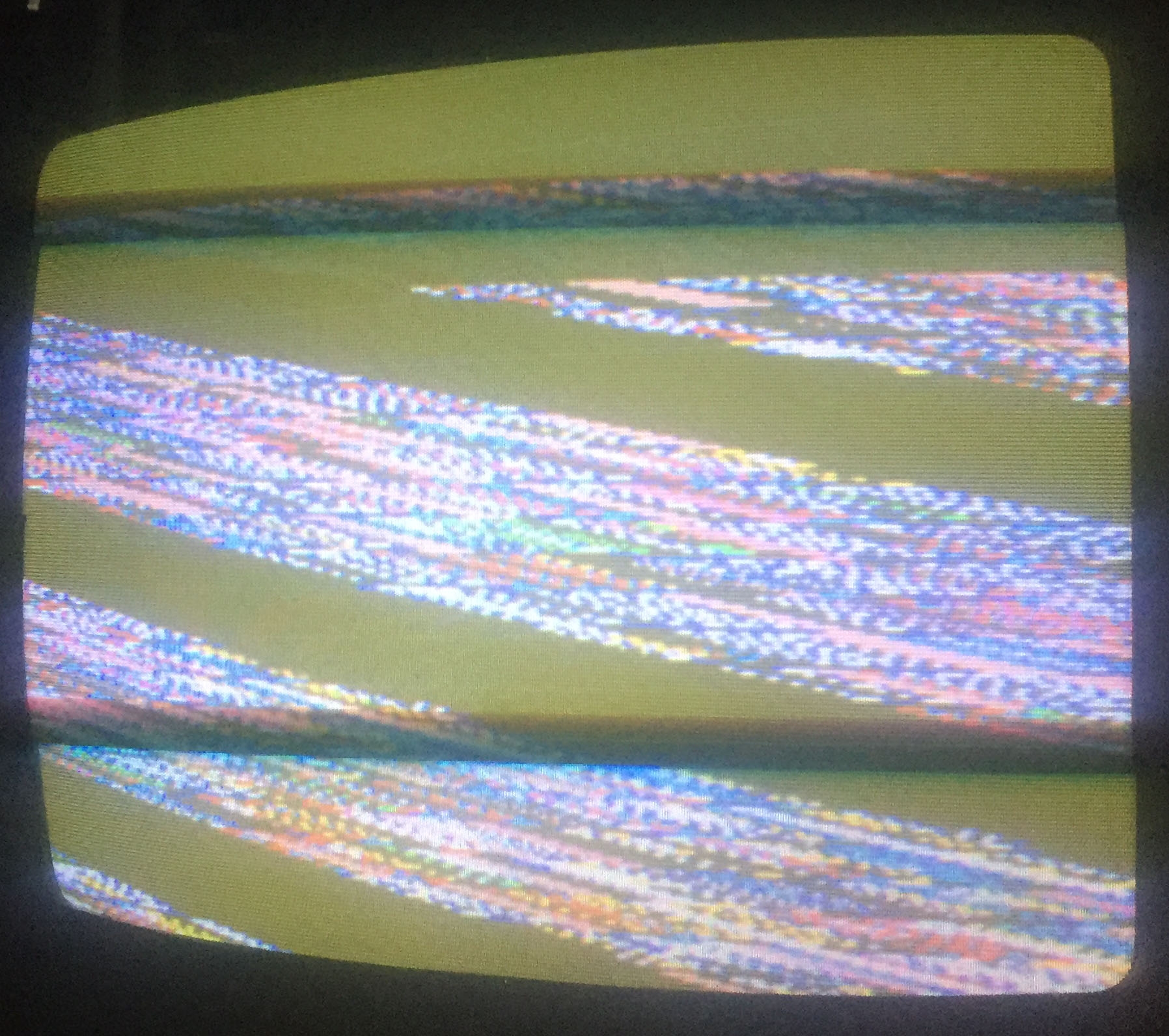
Showed quickly scrolling lines, so clearly video sync wasn’t correct.  Sync mainly comes from two LS123 chips – a logic probe showed one of them was getting an input but had a stuck output.  A corroded Fujitsu chip.  Piggybacked a replacement on top and video worked – screen of garbage characters!

sync

IMG_5908

IMG_5910

So random garbage on each boot generally means the CPU isn’t running (consistent garbage usually means it is).  Logic probe showed the main Z80 cpu had pulsing address lines and reset was working ok, but all data lines were stuck low.  The program eproms, which tested good off board, also had pulsing address lines and pulsing output enable lines.  So that means something is telling the eprom to output data – but if it is then why are all the data lines low?  Something on the data bus had to be grounding all the lines and stopping activity.  There’s not much on the data bus – the CPU itself, the Z80-DMA chip, the RAM, the ROM and a LS245 latch that isolates the video board data bus.

The LS245 was removed and tested good, the Z80-DMA was removed and suddenly the data bus was active.  With a replacement fitted all data and address lines were now pulsing – but still random garbage characters on screen.  So the Z80-DMA had failed in a way that pulled all lines low.
IMG_5938

The LS245 was next the clue – this latch allows reading and writing from the video board – but the direction pin appeared to be stuck low.  The schematics show this line is buffered by a driver chip – in this case a Fujitsu at 6A which had failed.  When replaced the game worked albeit without sound!

IMG_6077


Board 2

No garbage display on this one – instead some consistent moving long blue lines across the screen.  So that’s a hint the CPU is probably doing something and the initial problems are on the video board.

IMG_5918

Because of the ‘stretched’ look to the lines I examined the horizontal and vertical timing part of the circuit first.  In the schematics things like 4H refer to every 4 horizontal pixel, and V to the vertical line.  In the picture you can see some references to the low 3 bits of V and H.  3 bits gives you a value 0-7 – and this game has 8 pixel wide tiles, so you can see those parts are dealing with the pixels inside a tile.

hv

The video board came together bit by bit – the lines became solid tiles, then the inside of tiles, then sprites.  Faults were all Fujitsu chips, or just badly corroded chips.

IMG_5928

At this point it was pretty clear the CPU board was fine and sound worked on it so the working video board 1 was combined with CPU board 2 to make a fully working game.  1 worker from 2 corroded trashed boards is a good result.

IMG_5947

But I’ll get back to fixing CPU board 1 and video board 2 at a later date – the video board only has 1 fault left – sprites are sometimes duplicated vertically – I suspect some kind of vertical comparison fault somewhere, but not found it yet.  The lack of sound on the CPU board I suspect the audio CPU itself has failed.

IMG_5963


By

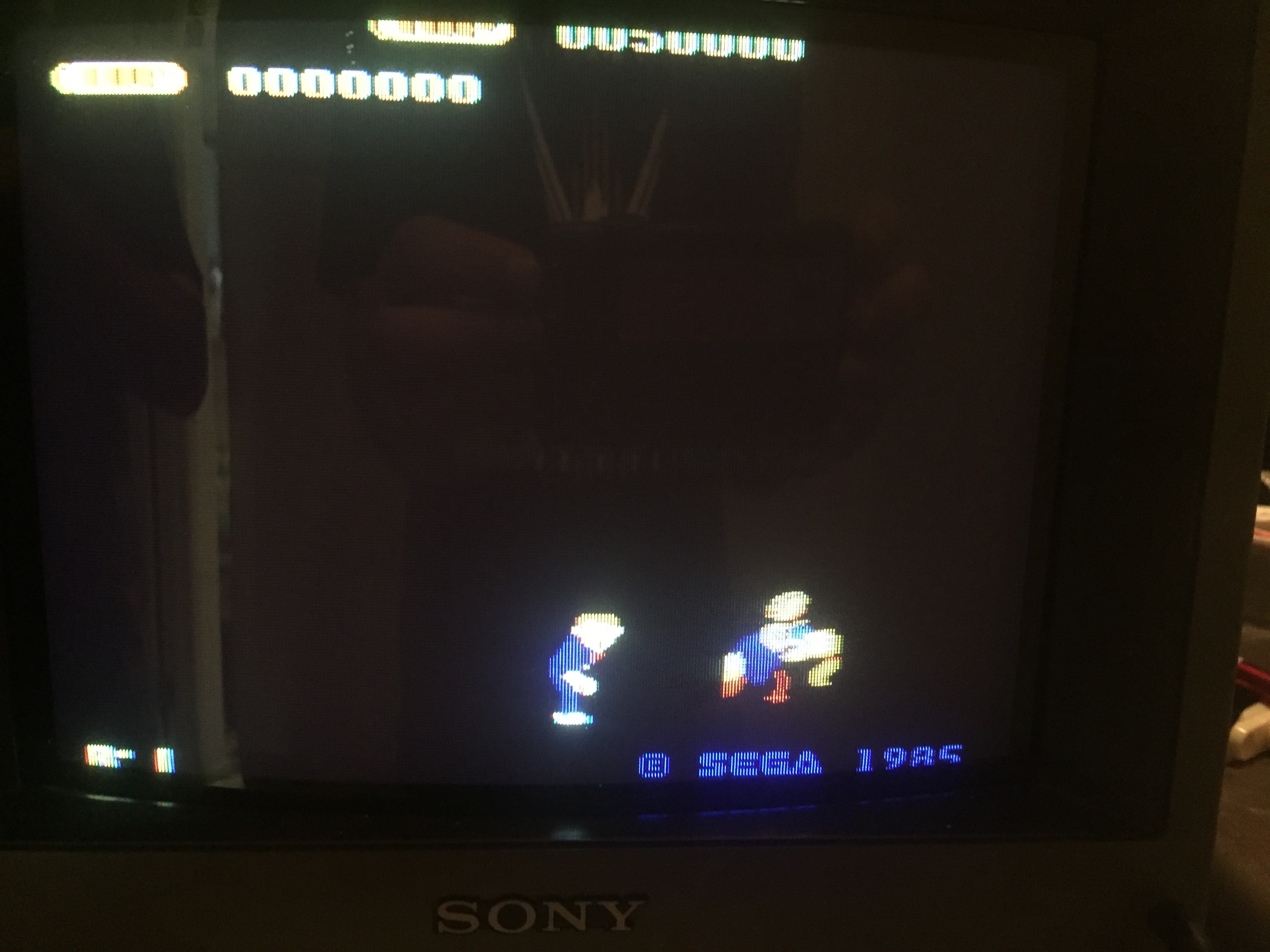
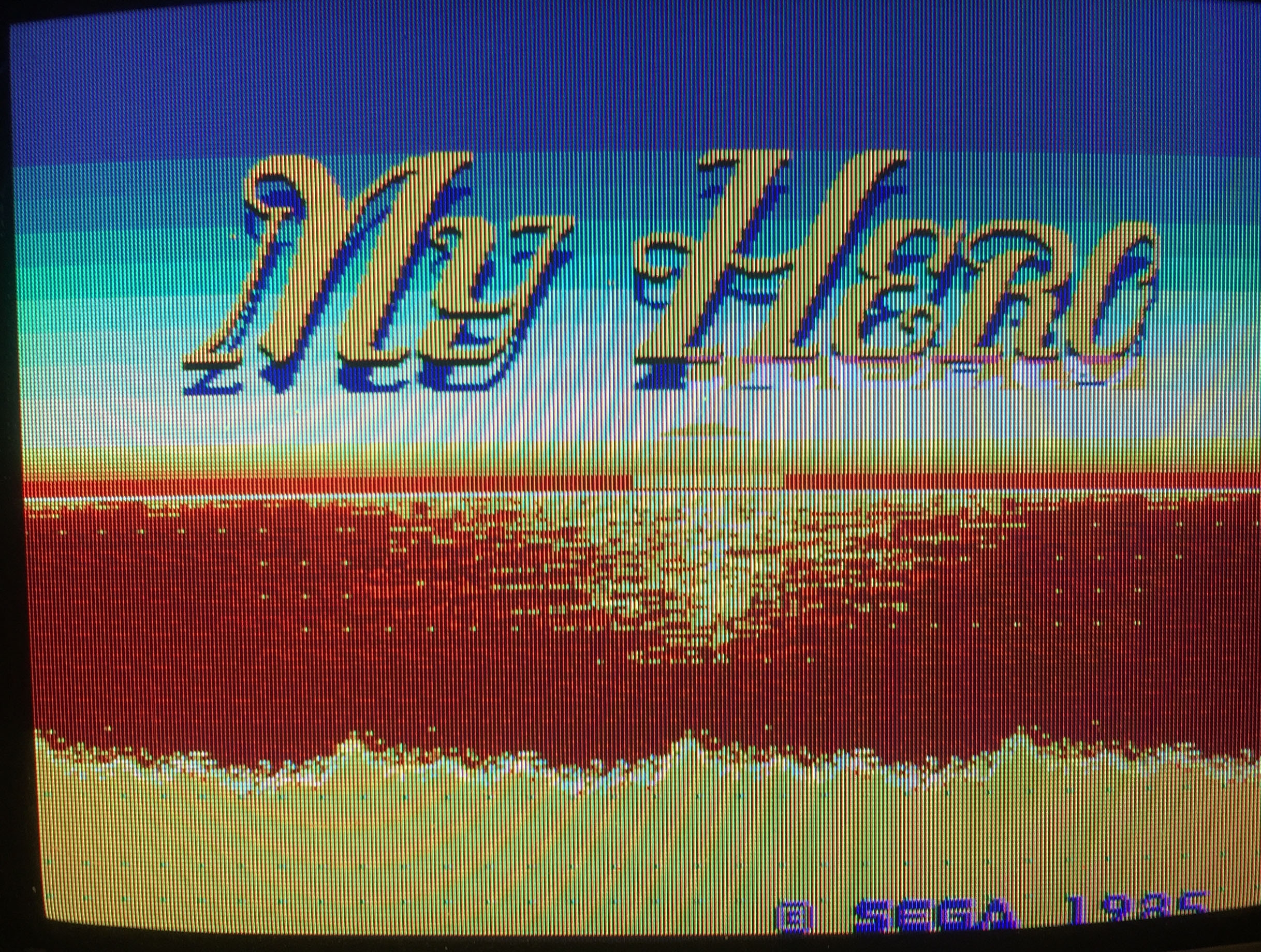
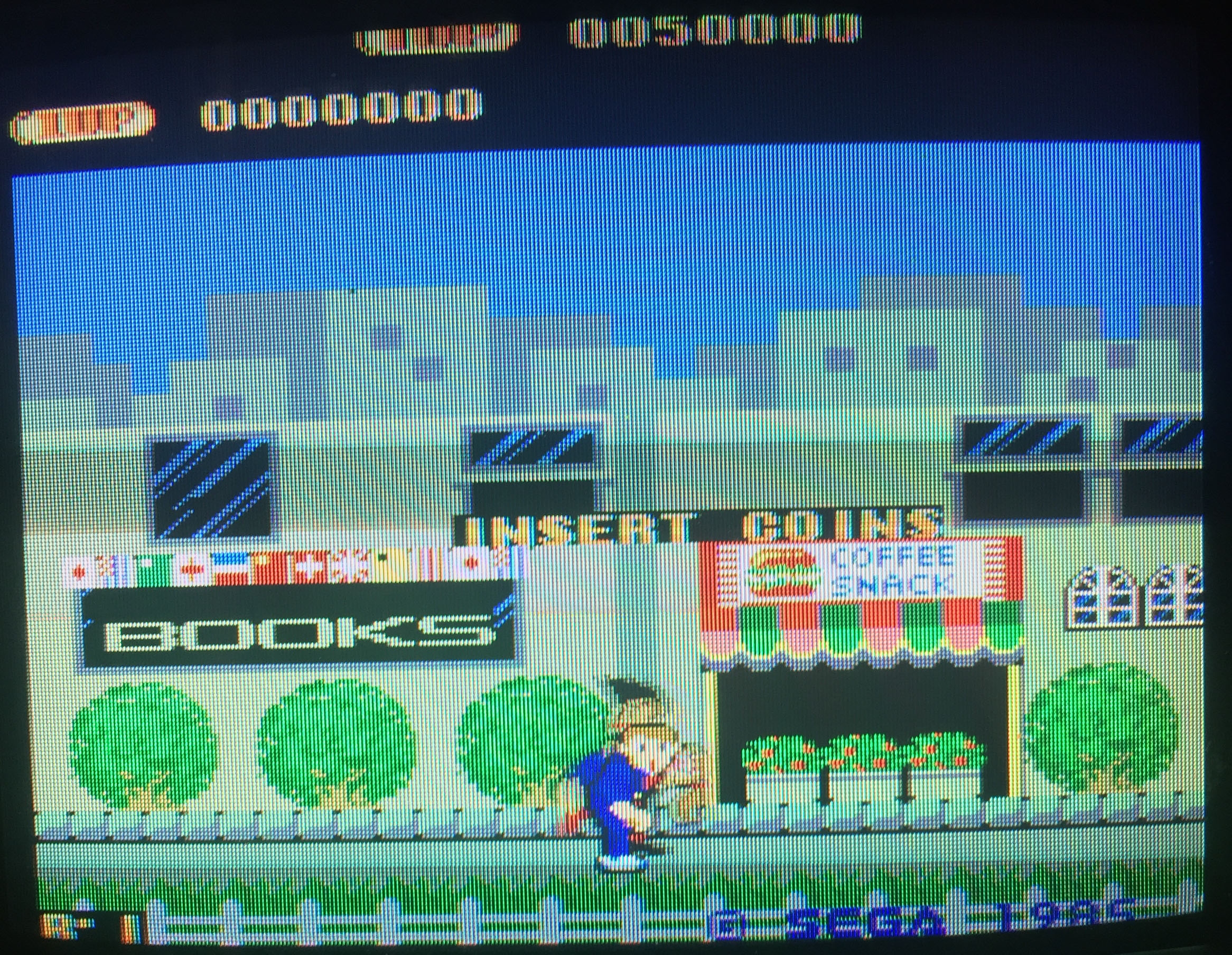
Sega My Hero arcade pcb repair

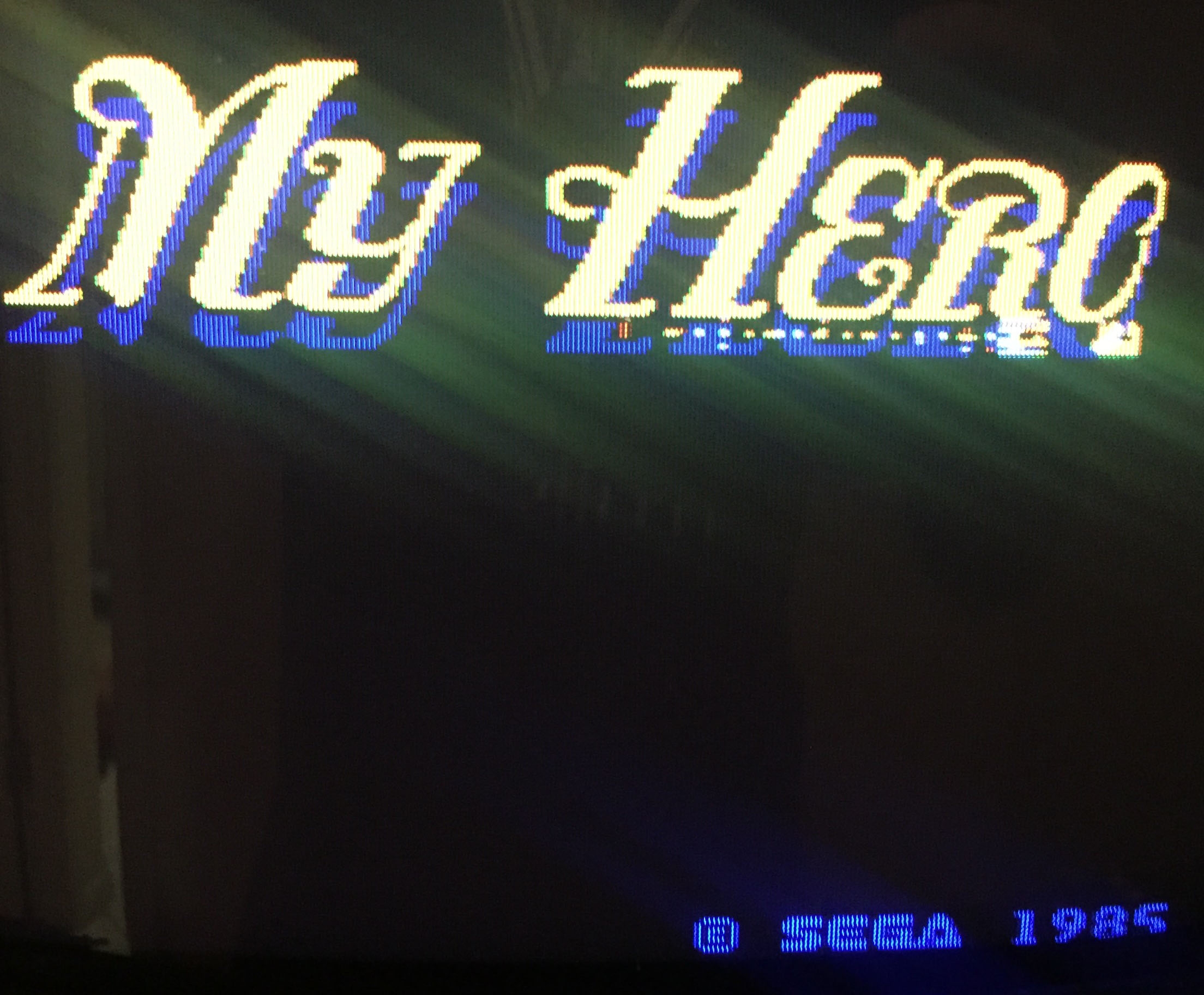
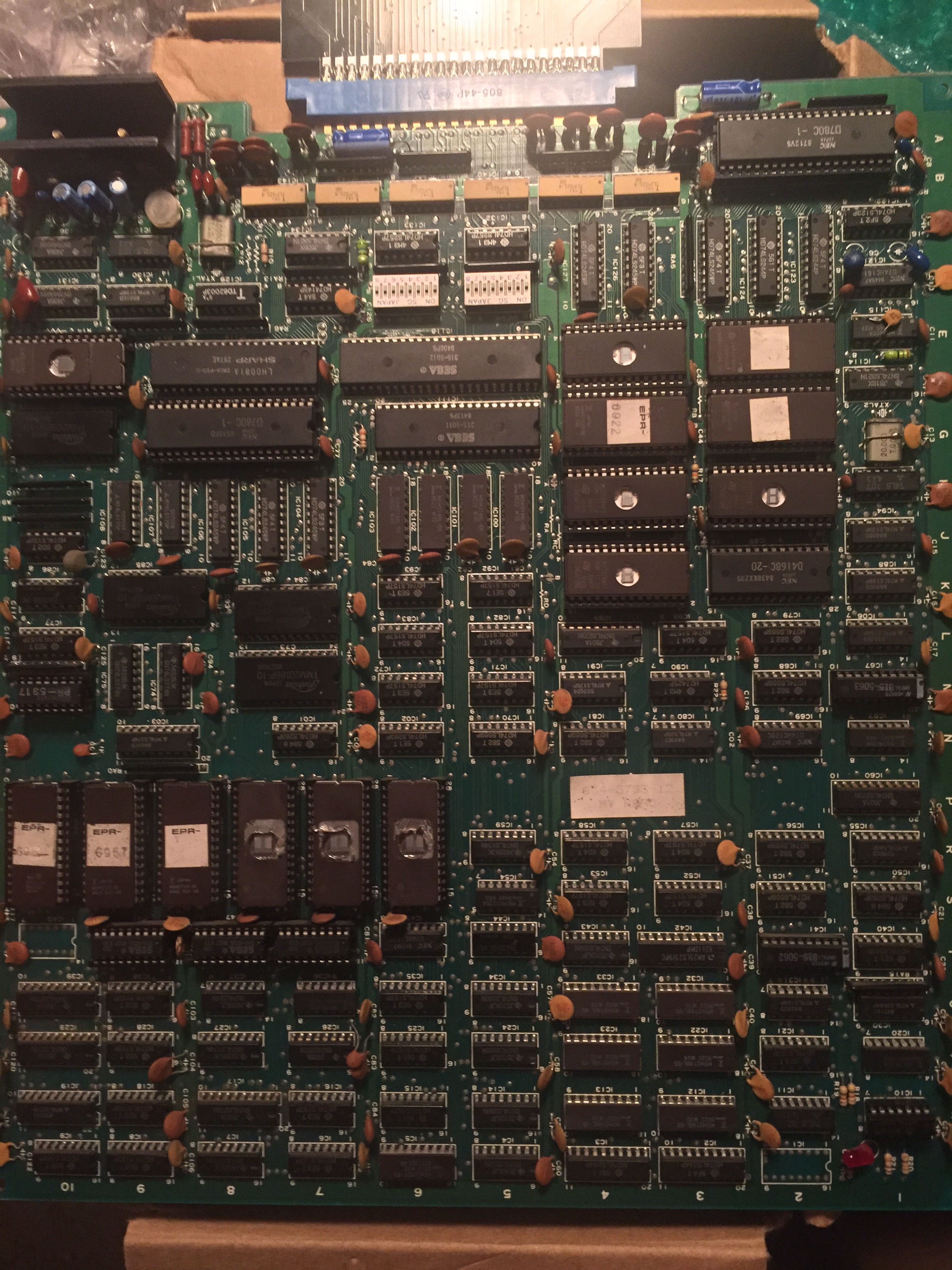
Clean original board, but booted up with no backgrounds present.  What I presumed to be tilemap RAM was pulsing ok with a logic probe check.  All tilemap ROMs were pulsing ok as well as was the palette RAM.  Piggy backing other RAM on top made no change – so my first theory was that the tilemap circuits were fine and it was a priority circuit problem (like an earlier Pacland repair).  So with that kind of problem the sprites are considered ‘opaque’ and nothing underneath them comes through.

IMG_5729

IMG_5738

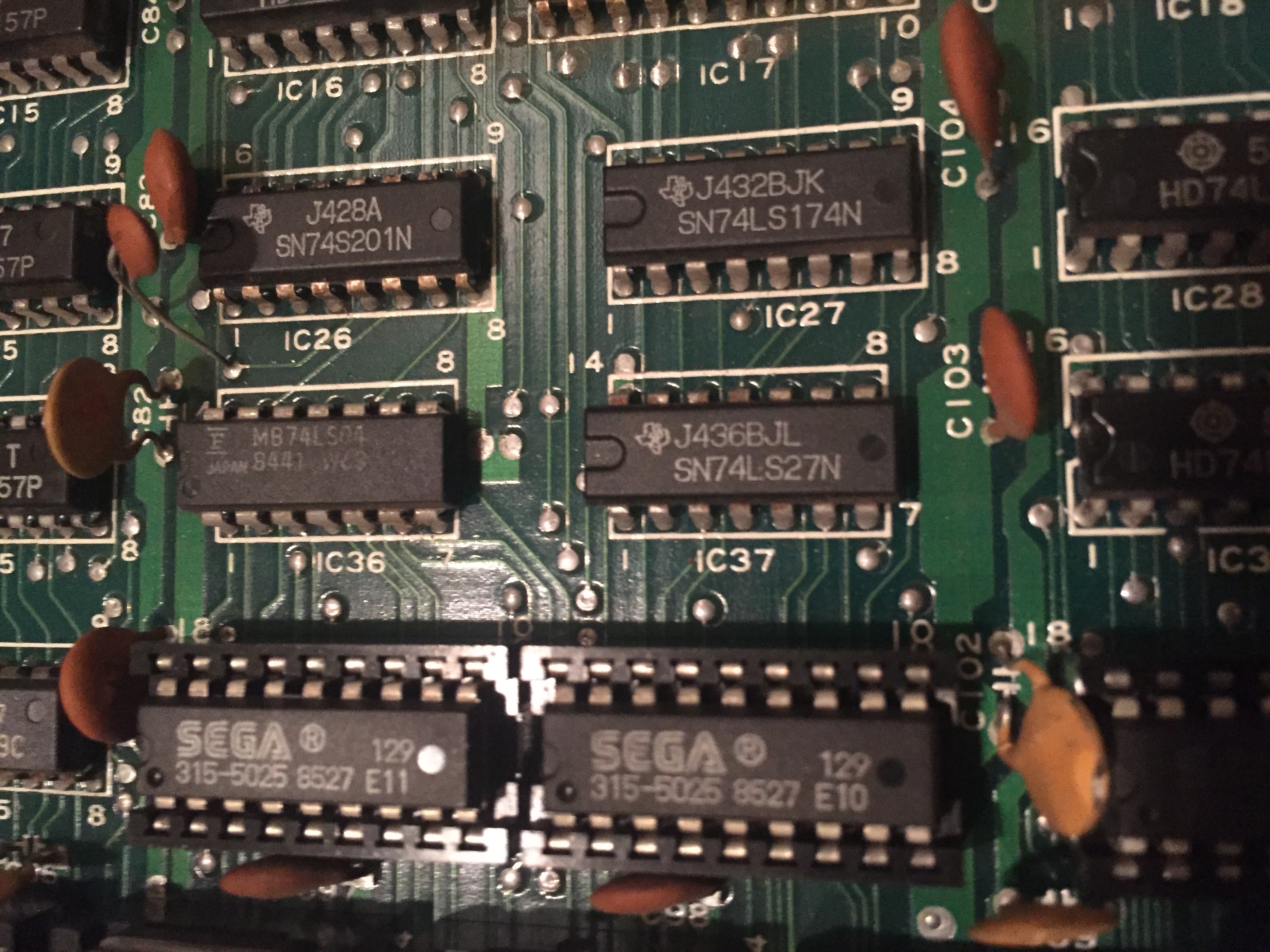
There are no schematics for this game, but the hardware is kind of similar to Choplifter which does have schematics available.  The ‘opaque’ test works by just summing the 3 bitplanes for each of sprites and the text layer – all low means it is transparent, any other value means it is ‘opaque’.  The priority PROM enforces that opaque text is always over sprites and tiles, and that opaque sprites are always over tiles.  On My Hero an LS27 at IC37 handles the opaque check.

IMG_5731

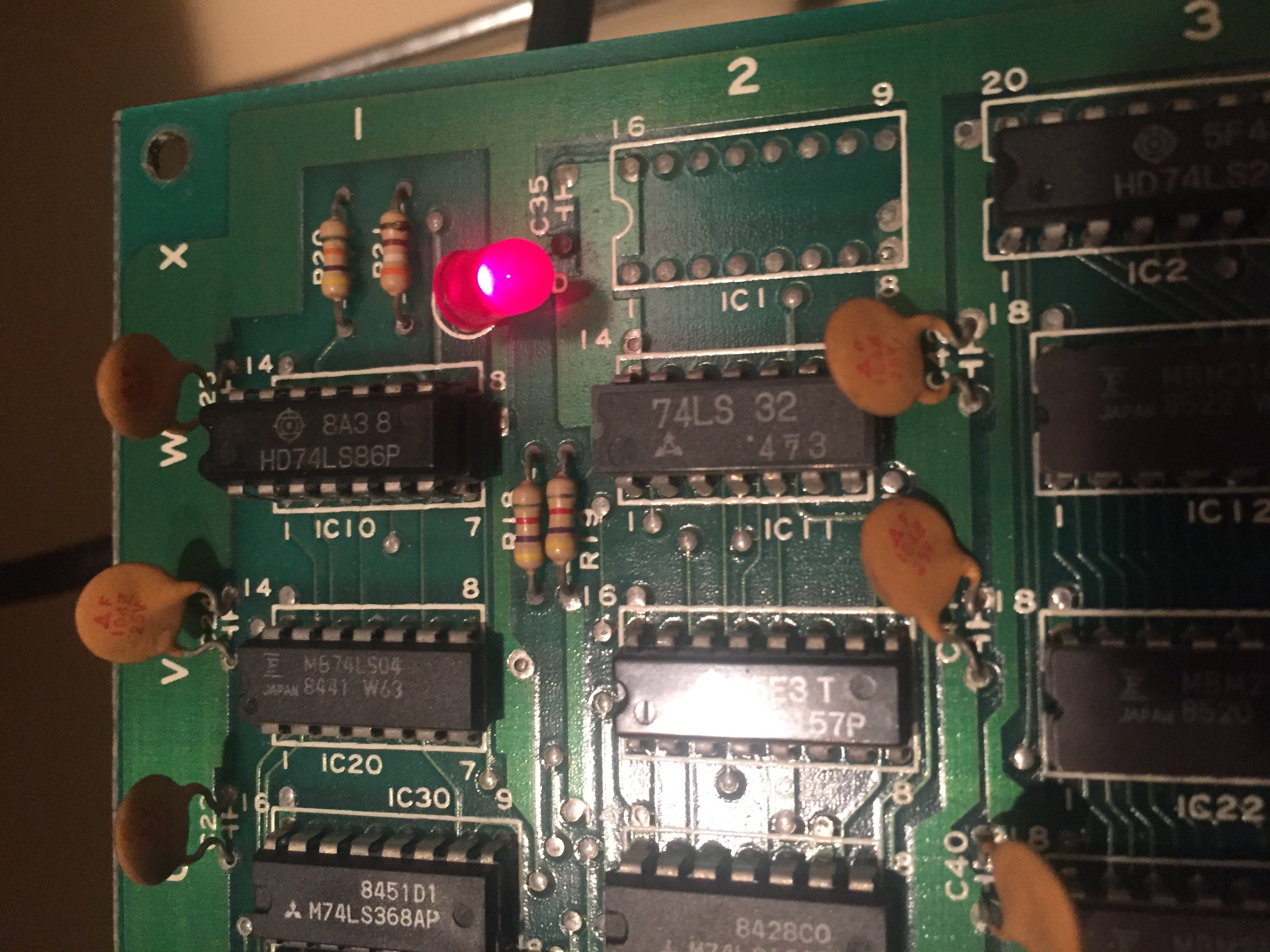
Unfortunately this didn’t seem to be the problem – the priority check seemed correct, and shorting pins on the PROM didn’t bring any backgrounds back either.  So I ended up testing each pin on every chip in the tilemap section to see if anything looked wrong.  Eventually I found a latch (IC29) with a lot of activity on the inputs but always zero output.  The chip itself was fine, the problem was it had no clock input – if I shorted pins to manually clock it, the whole background colour changed – so definitely related to tilemaps.  The missing clock traced back to a bad Fujitsu LS86 with dead outputs – when replaced tilemaps fired up.  (The latch at IC39 controls the text layer and works from a different clock).

IMG_5796

IMG_5798

IMG_5853

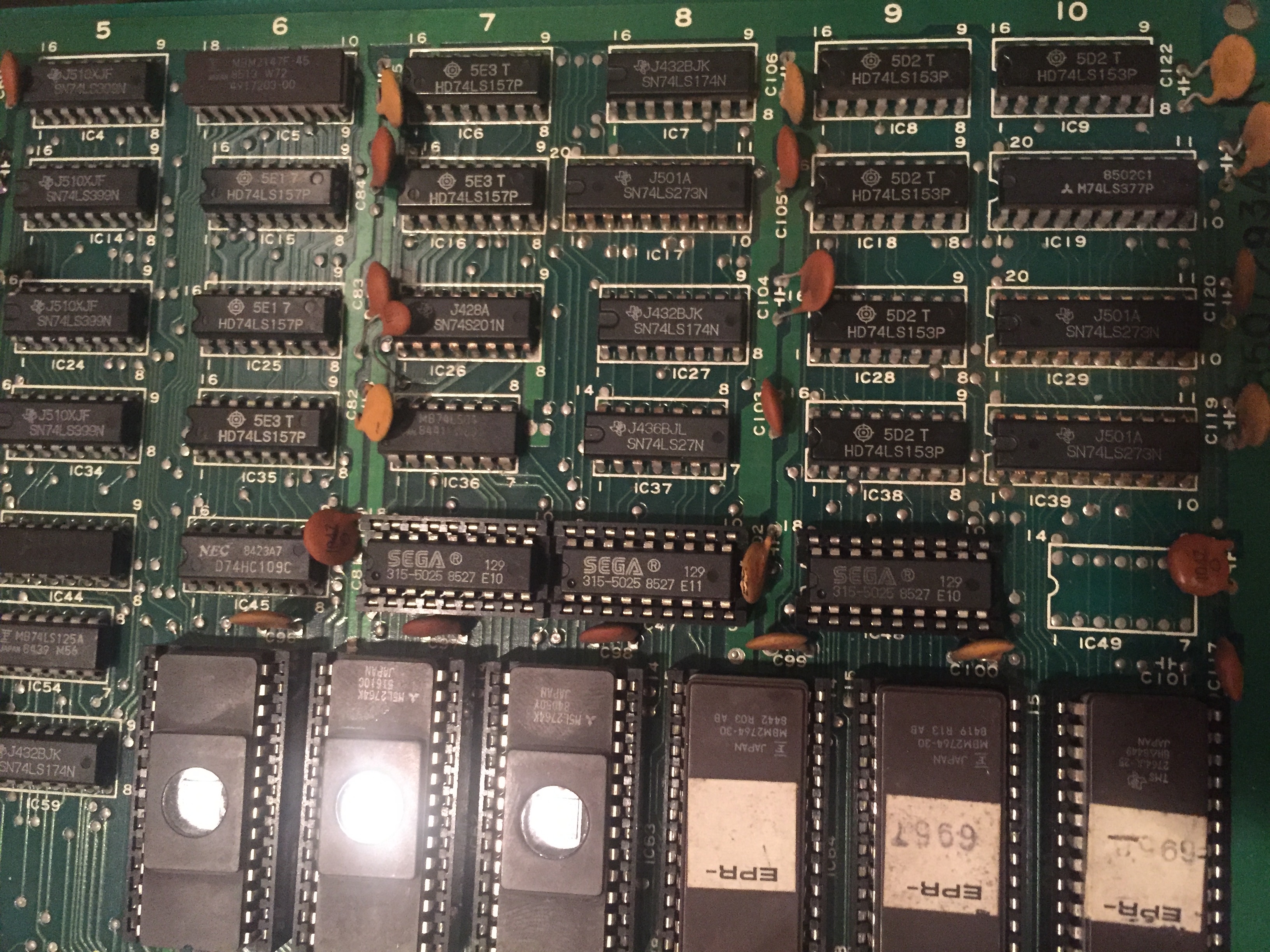
But…  bad colours on some but not all tiles and flashing dots in places.  This was a headscratcher for quite a while – the ROMs all tested good, the checksums matched, palette RAM was good and no obvious dead or floating lines.  Eventually I realised the problem was that 3 of the 6 tilemap ROMs were not original – these replacements had slower access times than the 3 originals left on the board.  Although they read fine on the PC reader at slow speed, at the tilemap circuit speed they tended to return bad data or no data causing the bad colours.  When replaced with faster access EPROMs, everything was fixed.

IMG_5843 IMG_5869

IMG_5873


By

Nintendo Mario Bros arcade pcb repair #1

Board appeared to play blind – sounds were produced, but no video.  Logic probe quickly revealed there was no video sync signal coming from the video board.

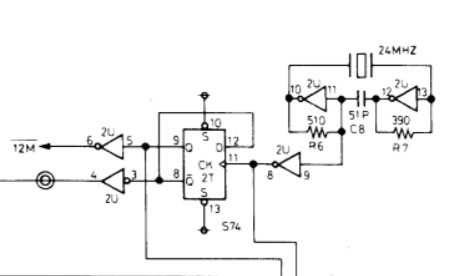
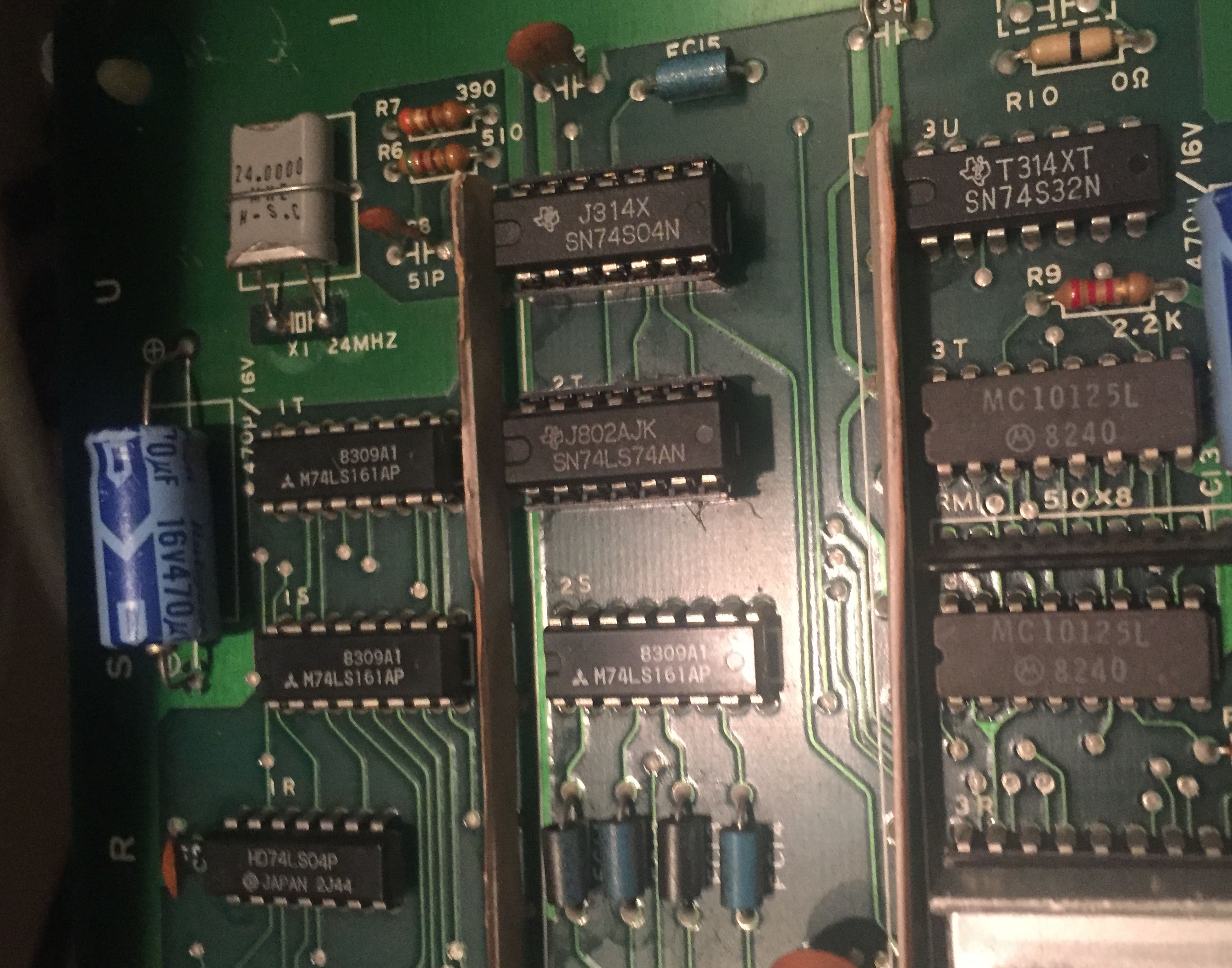
The sync signal is mostly produced by a couple of LS123 chips – there was no output from them – but also no input to them either.  I followed the path upstream until getting to the clock circuit, so much like the Popeye repair the video clock circuit didn’t seem to be active.

mario2

In this case the crystal oscillator and LS04 tested fine – the problem chip was the upstream S74 which had failed.  When replaced the board was 100%.
IMG_6180

IMG_6179

IMG_6183


By

Nintendo Popeye arcade pcb repair

Game did not boot, and seemingly no logic activity anywhere on the board.  The clock circuit is the first place to start for this kind of thing.  It mostly consists of a crystal oscillator, a few resistors/capacitors and a 74S04 in a kind of feedback loop.

popeye

I removed the S04 chip from the board but it tested ok – the actual problem was the crystal oscillator itself had failed.  20.160MHz is kind of an unusual value for arcade games, but a replacement was found and fitted and everything worked 100%.
IMG_6169

IMG_6171

IMG_6173


By

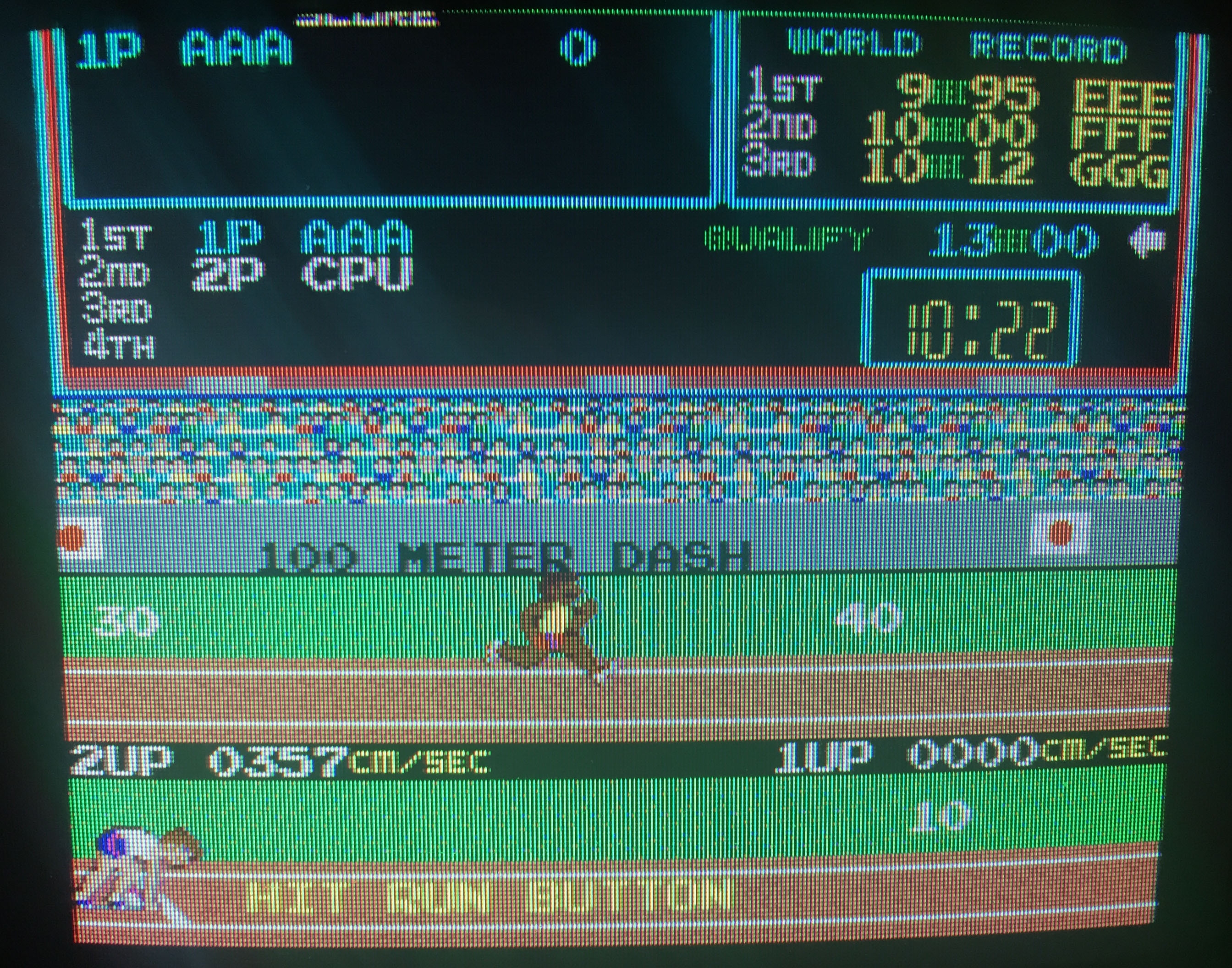
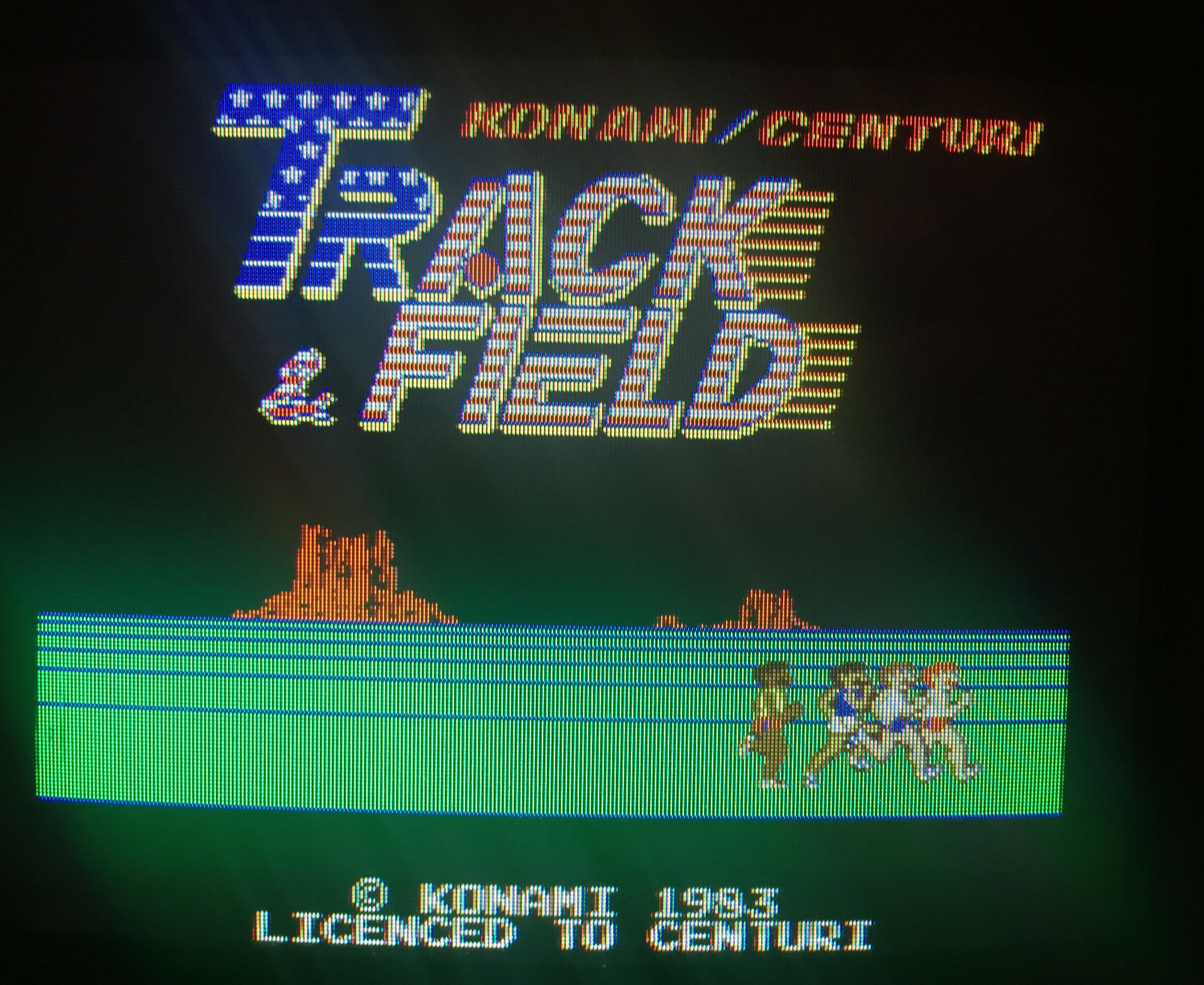
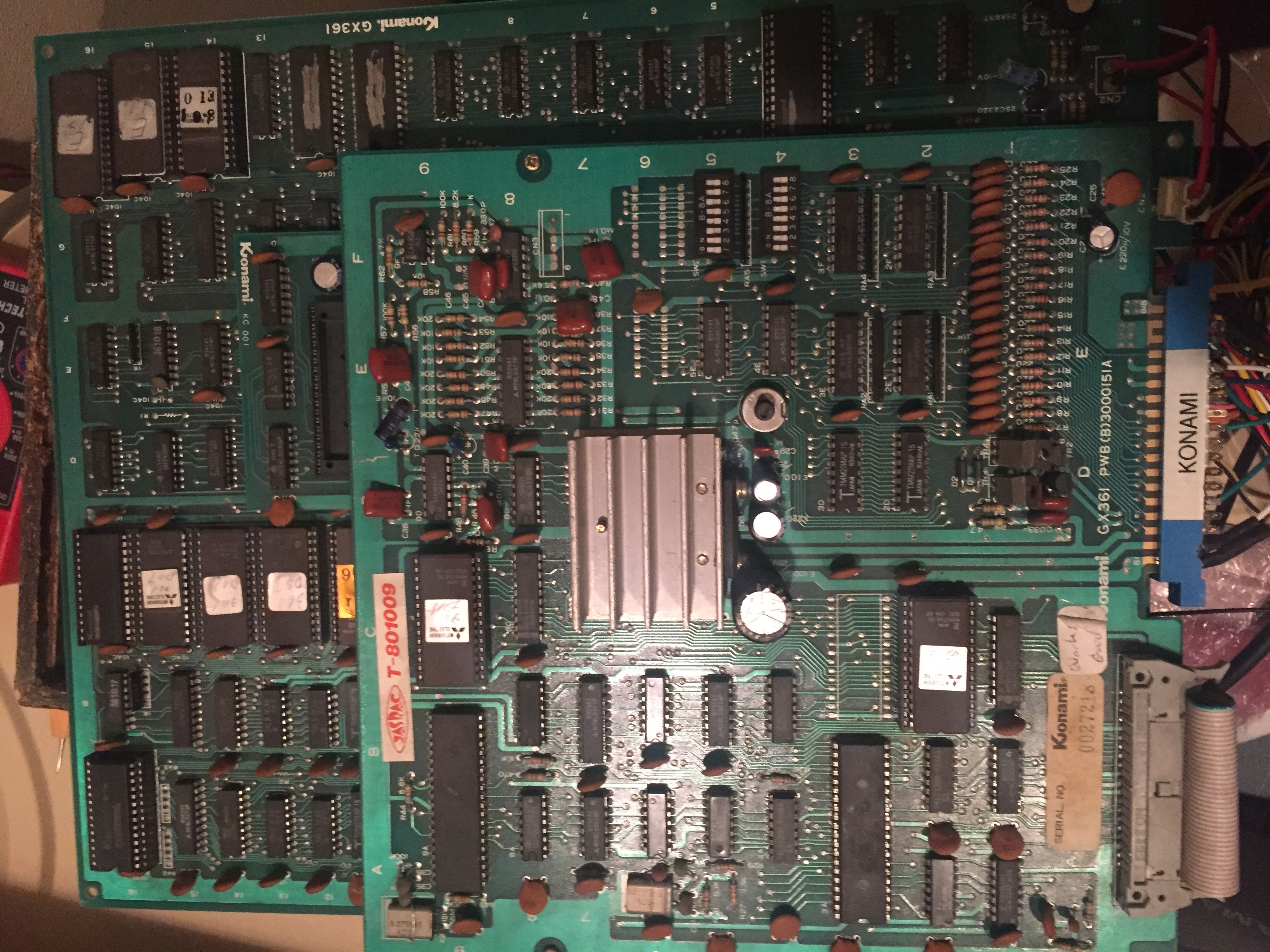
Konami Track & Field arcade pcb repair

Booted up to a screen full of 0′s.  That meant the CPU was partially running as it was clearing the text layer to consistent 0 instead of leaving it as random garbage.  The program ROMs were tested on PC and 2 of the 5 gave inconsistent reads.  2 replacement eproms were burned and game started up!

IMG_5781

There was a further graphics problem – corrupt text on the hi-score names in game.  At first I thought this might be a problem with the graphics ROMs and indeed 1 gave inconsistent reads, but replacing this didn’t fix the problem.  Some Googling revealed this is a common problem when the battery on the board dies – it seems the game then reads garbage data from the save memory and doesn’t do any validity checking on it – so it just copies garbage chars to the screen.  A fresh battery was installed and the save memory reset via the dip switches.

IMG_5784

IMG_5783


By

Taito Legend Of Kage arcade pcb repair

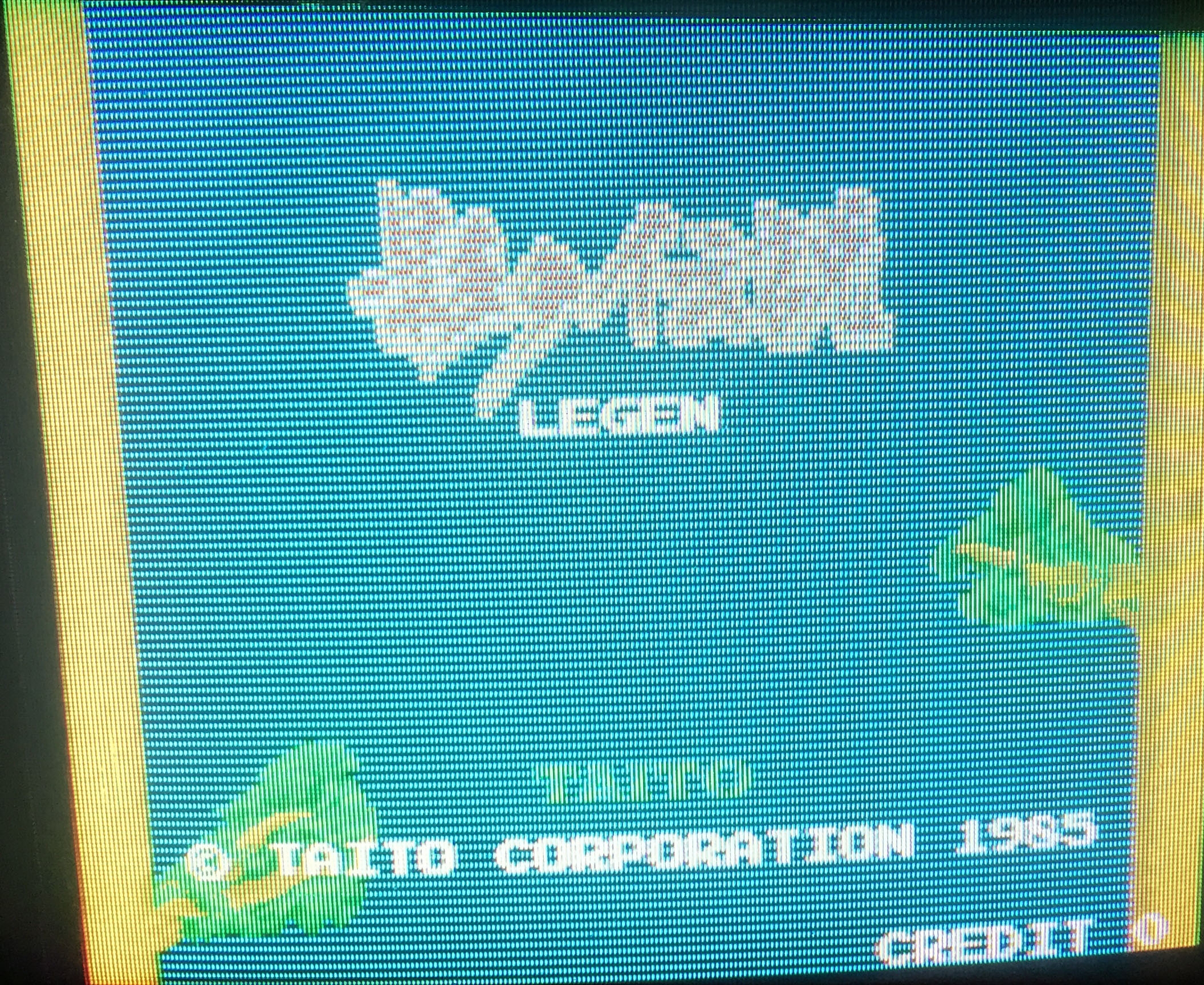
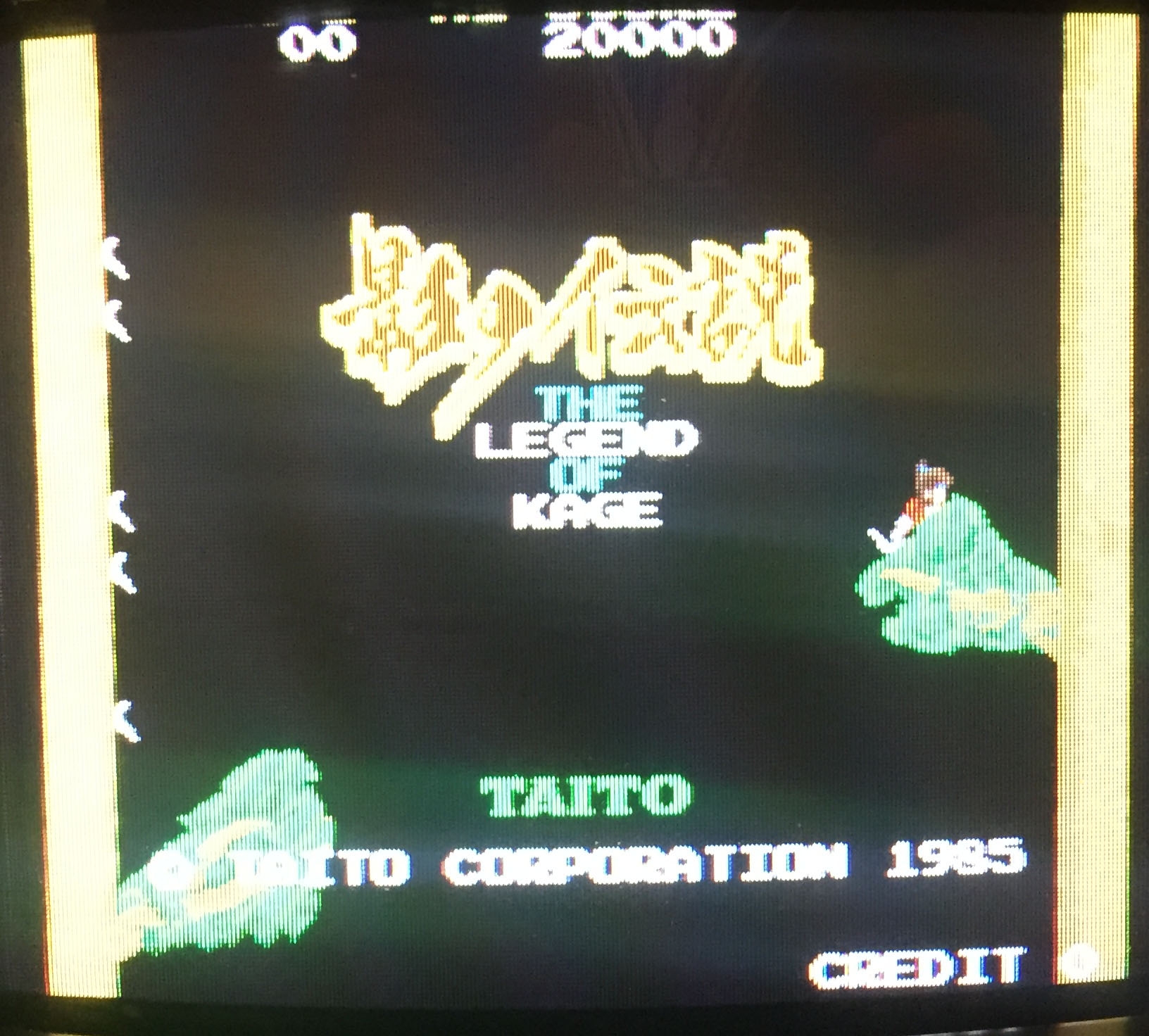
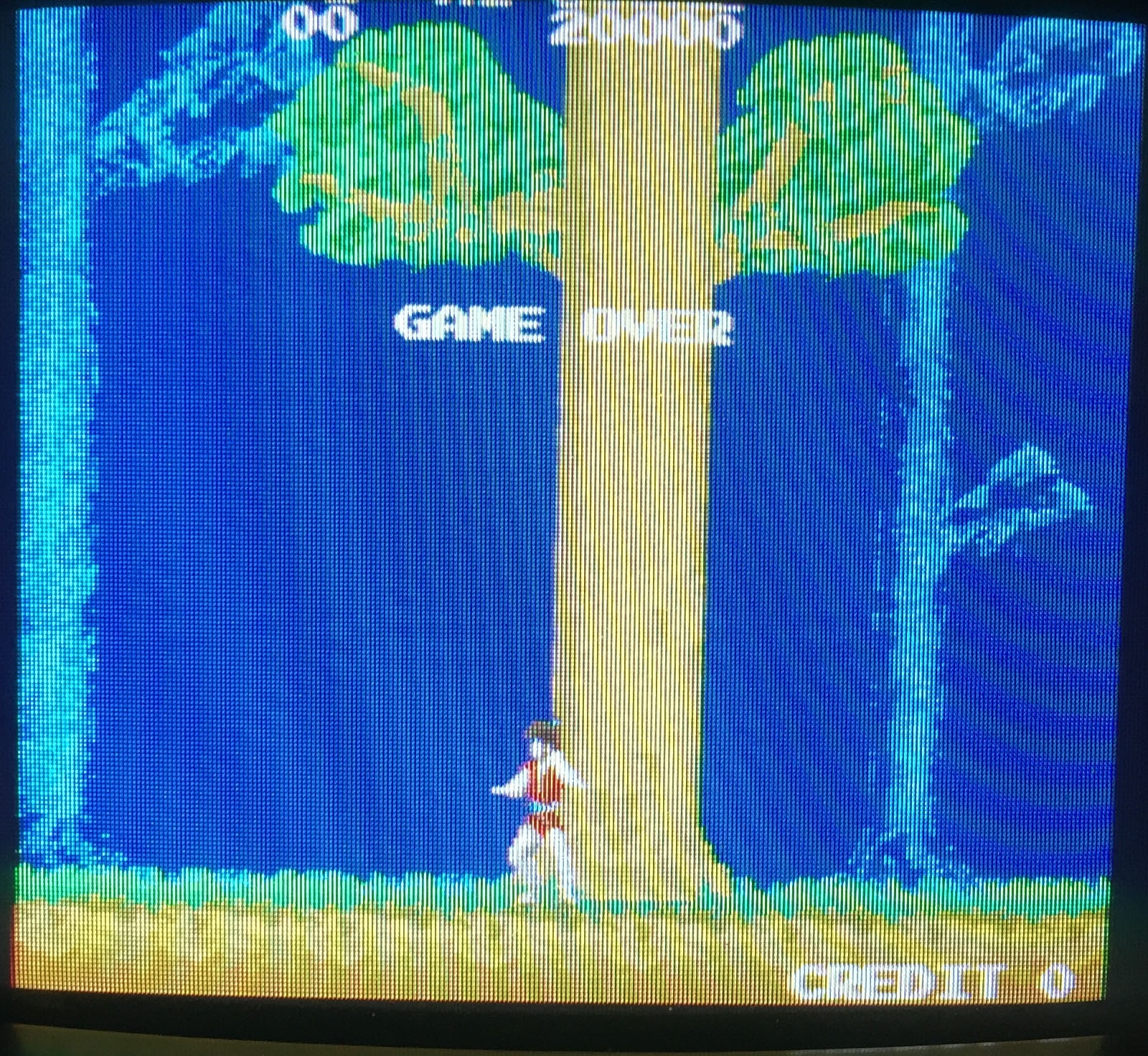
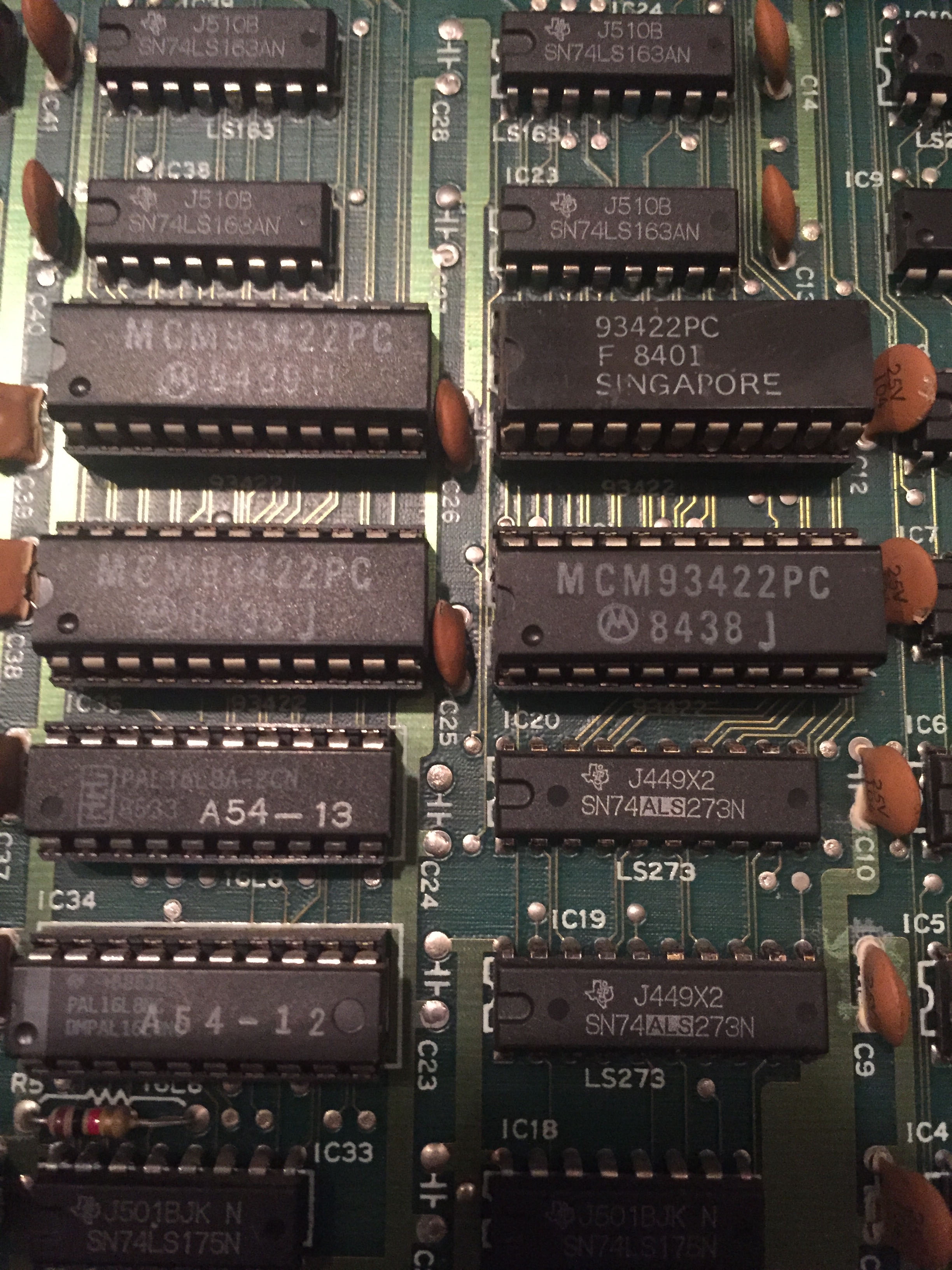
Much like the earlier Tiger Road repair every other line missing in the sprites suggests a double buffered sprite line buffer system, and that one of the buffers have failed.  Handily the sprite ROMs were in sockets already on this board, so I removed them one at a time and booted the board – removing all except IC21 caused additional visual faults, so good chance this was the culprit.
IMG_5721

Replacement RAM was fitted and board was 100%.

IMG_5760 IMG_5761

IMG_5743


By

TAD Cabal arcade pcb repair

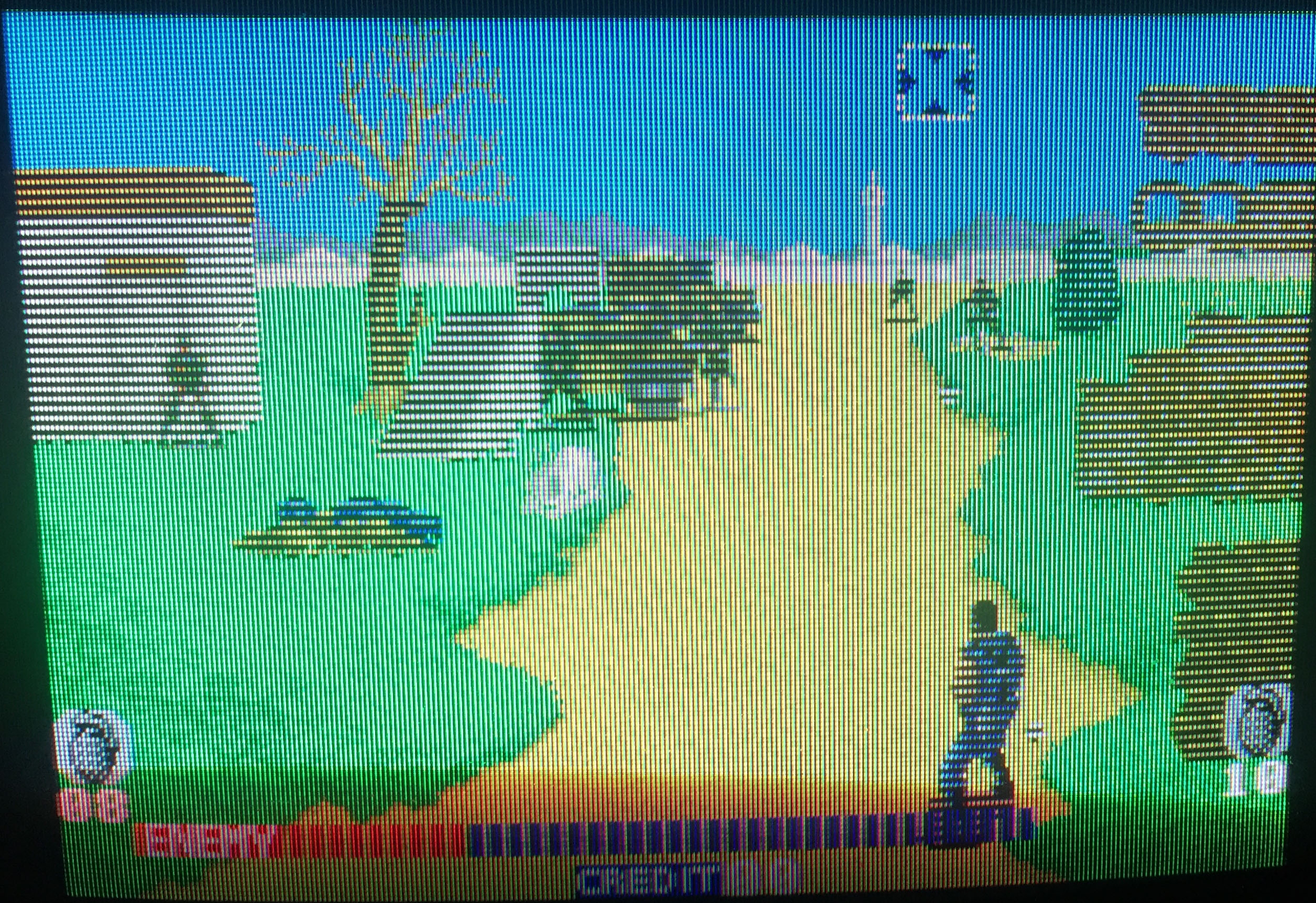
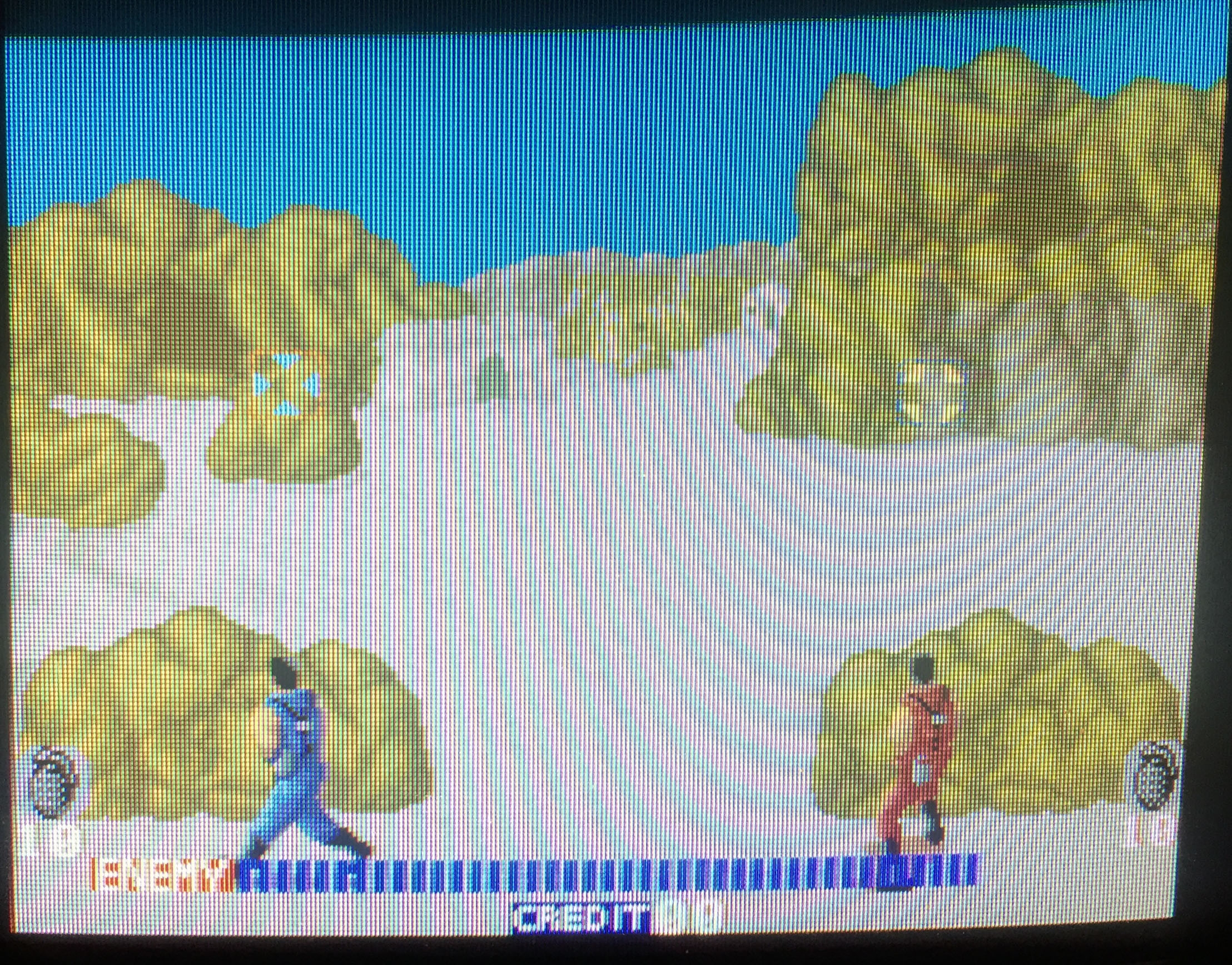
Like the Legend of Kage and Tiger Road repairs all sprites had every other scanline missing suggesting a failure in double buffered sprite line RAM.

IMG_6143

The entire top board is for sprite processing and contains 12 ram chips (the tilemap, palette and main RAM is all on the bottom board).  The bad chip was found by piggy backing a known good RAM chip on top of each RAM until the problem went away.

IMG_6157 IMG_6158

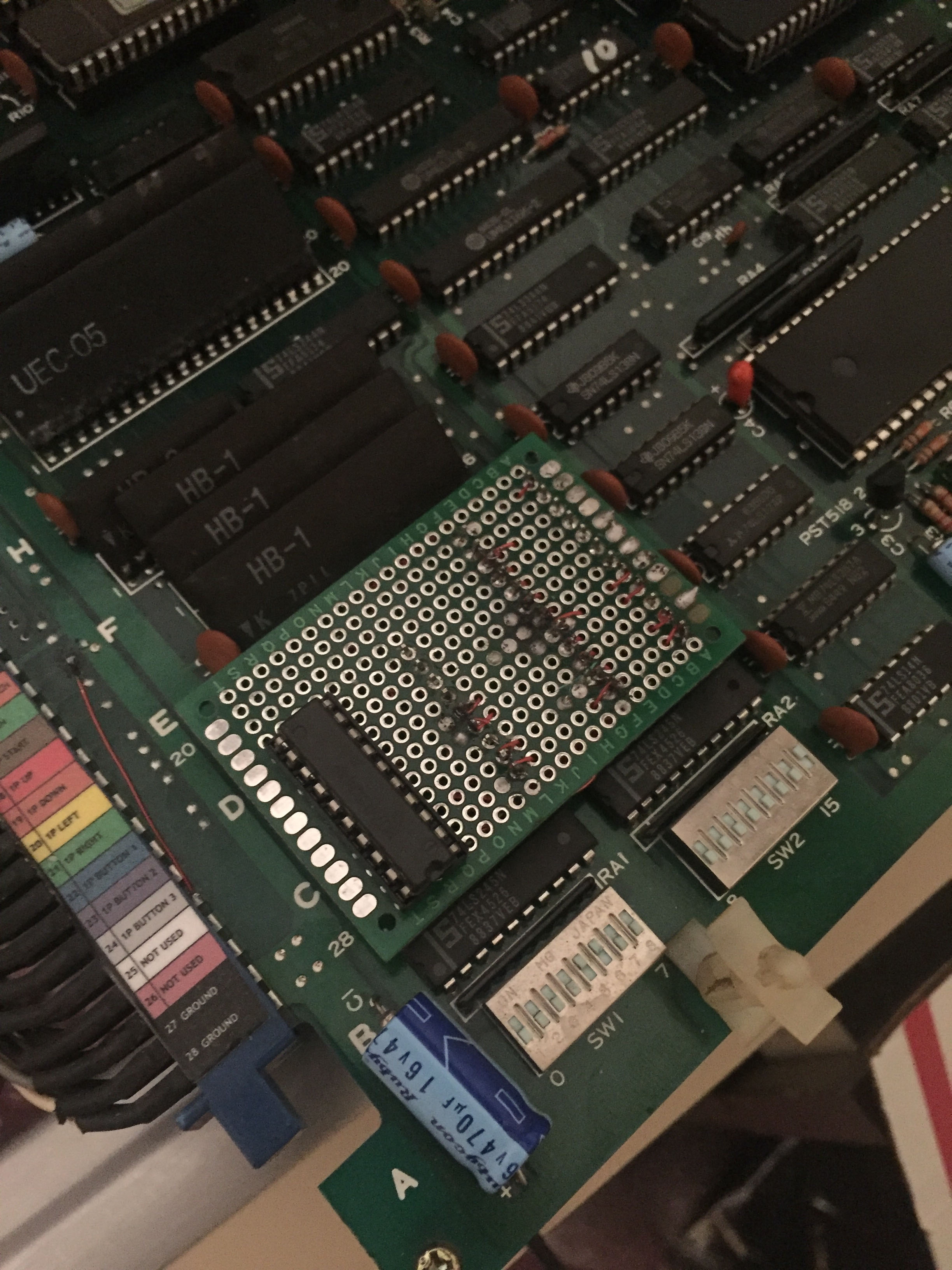
Trackball to joystick mod was also built and installed thanks to the work at http://elgensrepairs.blogspot.co.uk/search/label/TAD

IMG_6201